How to choose a safe game for your child: 7-point checklist
Ads, in-app purchases, chat, data: a practical 7-point checklist for parents to judge a children's game before installing it.
The DonoLand team · · 2 min read

Many children's games are free to download and paid for in other ways: ads, purchases or data. Before you install one, spend five minutes on this checklist. You can check most points on the store page and in the game's settings.
1. Are there ads?
Ads in children's games can interrupt play, push purchases or lead out of the app. A game for young children should have none, or none that a child can reach without a parent. Look for it in the description and in the first ten minutes of play.
2. Can a child buy something by accident?
Check that purchases and subscriptions sit behind a parent lock, and that the price is clear before payment. You can also turn on purchase approval in your phone's settings.
3. Can strangers contact your child?
Open chat, friend requests and public usernames are risks. For ages 6–10 the safest answer is no chat at all. If a game has a leaderboard, check that children appear under generated nicknames and that a parent controls the feature.
4. What data does it collect?
Read the privacy policy. Good signs: it says what is collected and why, it does not sell data, it uses no advertising identifier or third-party trackers, and it explains how to delete the account. Be wary of games that ask for a child's real name, photo or location.
5. Is there a parent area with limits?
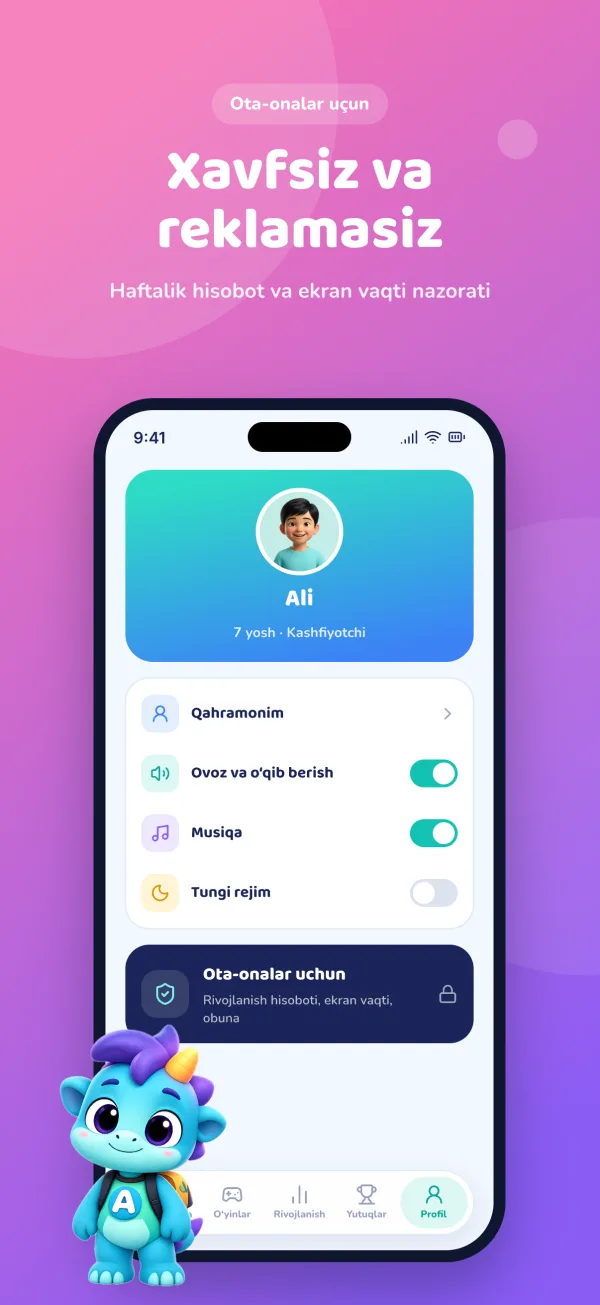
A daily time limit, a pause option and a weekly summary help you stay in control without hovering. The area should be locked so a child cannot change the limits.
6. Is the content right for the age?
Check the age rating and screenshots, then play it yourself for ten minutes. Content should fit the age: no scary scenes and no pressure tricks such as countdown timers that punish slow answers.
7. Can you delete the account and the data?
You should be able to delete the account from inside the app, not only by emailing support. Check how it works before you create one.
Quick test: install it, play for ten minutes, then open the settings. If you can't find the parent controls, the privacy policy or the delete option within two minutes, think twice.
How Donoland: Aqlvoy handles these points
- No ads, and no chat or messages between users.
- Purchases and the parent area are behind the parent lock, and you set the daily limit.
- No advertising identifier and no third-party analytics or tracking tools in the app.
- The optional leaderboard is off by default; only a parent can turn it on, and other children see only a generated nickname, a preset avatar and weekly XP.
- Parents can delete the account in the app, confirmed with a code sent by email.